Simple Local Avatars
Add an avatar upload field to user profiles. Generate requested sizes on demand, just like Gravatar.
Adds an avatar upload field to user profiles if the current user has media permissions. Generates requested sizes on demand just like Gravatar! Simple and lightweight.
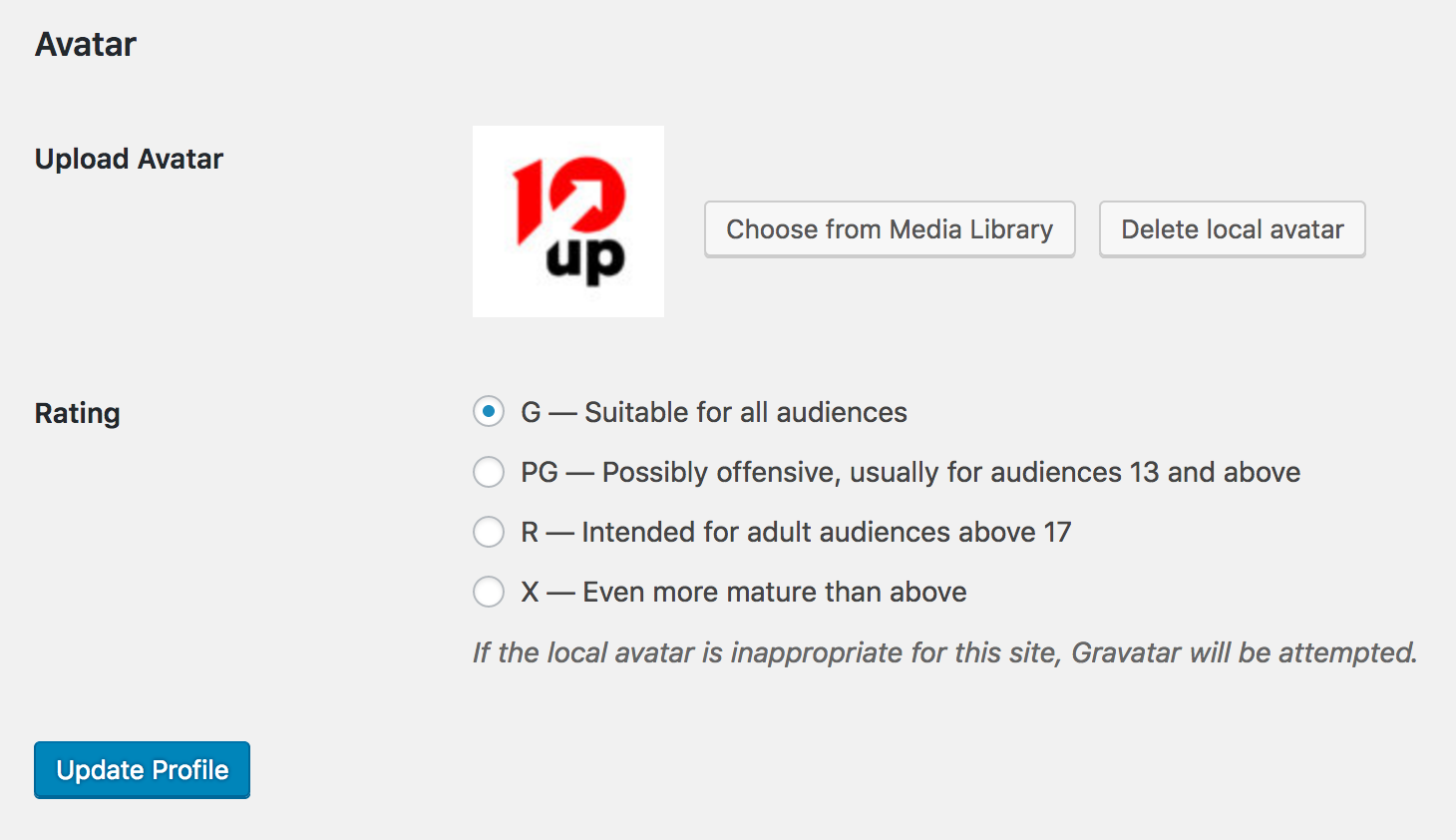
Just edit a user profile, and scroll down to the new “Avatar” field. The plug-in will take care of cropping and sizing!
- Stores avatars in the “uploads” folder where all of your other media is kept.
- Has a simple, native interface.
- Fully supports Gravatar and default avatars if no local avatar is set for the user – but also allows you turn off Gravatar.
- Generates the requested avatar size on demand (and stores the new size for efficiency), so it looks great, just like Gravatar!
- Lets you decide whether lower privilege users (subscribers, contributors) can upload their own avatar.
- Enables rating of local avatars, just like Gravatar.
Support Level
Simple Local Avatars’ support level is marked as stable. 10up is not planning to develop any new features for this, but will still respond to bug reports and security concerns. We welcome PRs, but any that include new features should be small and easy to integrate and should not include breaking changes. We otherwise intend to keep this tested up to the most recent version of WordPress.
- Rating

- Requires 6.6+
- Downloads 2,442,483
- Updated 2026-02-17
Fantastic plugin!
Another annoying bug: upload is not protected against uncompatible files (bmp..)
Actually it does. But it accepts jpg, gif, png, bmp, and tif images!
Yes, it’s very possible using the gravatar hooks in WordPress.
Hey, I have changed my permalink settings and the plugin don’t work for avatar admin ??
tthan’sk
Permalink settings have no bearing on this plug-in.
Thanks for this simple plugin.
One question – how do I change the permission to allow everyone to upload an avatar (I am sure it is ABC, but I am new to all this).
Thanks!
The media permissions setting is under Settings > Discussion
I don’t see it. Maybe its not longer in the newest version of WordPress.
You should see it in the latest versions. It’s on the add user / edit user / edit profile screens in the admin dashboard.
Hey! Great work, thanks for this simple and easy plugin.
Just one question: any chance to increase the size of saved avatars? I can’t find the line of code which is responsible for the 96px limitation.
The avatar sizes are generated dynamically when they’re requested, including larger sizes.
Indeed. Awesome, thanks a lot!
Size when requested, how does this work? I want to use the original size of the image, how is that done? How do I call the original image to show on a page?
Er, you don’t. You’d have to get the raw user meta with the avatar, and pull it apart. I believe if you specify a huge size, however, it will only show you “up to” the full size of the avatar.
Hi, I am using your simple local avatars plugin and like it – but need the avatars to be called securely with SSL. Is there a way to do that in the dashboard, or do I need to look at the php file? I have changed the general WP settings to the secure prefixes, but the SLA plugin images are leaving breaking the nice “This site is secure.” Thanks!
Hmm. They should use whatever URL WordPress is using. Did you upload them after changing your WordPress settings to “secure”?
no, before..
should I have? Will that make a difference going
forward?
I uninstalled, deleted the icons, and
reinstalled/reuploaded. All is good again. Thanks.
Genial Plugin, trabaja para mi :D
Thanks Jake for such a wonderful, simple and easy-to-use plugin.
My theme allows users to edit their profile from the font-end and this plugin works perfectly with this capability!
Thanks for your hard work!!! … can’t wait 2 try out your other plugins.
Did you manage to make it upload avatars from the front end?
Hi,
I really like this plug-in but i have some trouble when I’m uploading a avatar from the front end. it’s possibile ?
Can anyone explain how one goes about setting up front end uploading?
It’s enabled with front end profile plug-ins / implementations that reuse the administrative profile form.
Could you elaborate on this a bit? I’ve got a frontend page where users can log in and their meta (and custom meta) is displayed in input fields, and they can change these fields and save their changes. I copy/pasted the bit of your plugin that generates the upload button onto my frontend page and it’s saying “The site is experiencing technical difficulties”.
I’m assuming there’s some dependency that the plugin relies on that isn’t provided on frontend pages. This plugin would be great for my purposes if I could get it working on a frontend page.
Thanks!
Can you help me allow people to upload 3 to 5 profile images but only have the first one show as a replacement Gravitar?
Love your plugin!!!
(^-^)
Glen
Someone could… but I’m keeping this plug-in simple. Feel free to request our services, of course!
GREAT plugin! just a couple of queries… is it possible to specify a directory to upload images to? ie uploads/author-avatars
and, you noted above that the image size is dynamically generated… but I still don’t understand how this works? I need to change my thumbnail output (and filename) to 140px size…. any chance you could help me change that?
Theoretically, an upload folder could be specified. But I personally don’t like the idea of cluttering the uploads folder with new folders; this also makes it trickier to support implementations where uploads is hosted elsewhere.
To request a 140px size, where your theme calls “get_avatar”, you need to specify “140” as the second parameter (the size).
Just like gravatar, if that image size hasn’t been created yet, it will be created (and saved) on the fly when called the first time.
Another Question to resizing:
I am just beginning to work at my homepage, so please excuse my question.
where exact can i change the size?
i guess in simple-local-avatars.php. 100×100 will be fine.
line 268
function get_simple_local_avatar( $id_or_email, $size = ’96’, $default = ”, $alt = false )
here?
I don’t follow. You shouldn’t be editing the plug-in’s code. You call avatars using get_avatar (or get_simple_local_avatar)… use the size parameter to specify your width/height, just like the get_avatar plug-in.
Is it possible to change the filename upon upload to match the username? I am trying to build a consistent format to the uploads so I can pull the avatars in various ways throughout my site.
All in all though, great plugin!
I’ve had a few requests for this, so I’ll probably implement this. You can always loop through users and grab their avatars, however!
This would seem perfect, however, it does not work in my BuddyPress site with a Theme by Themekraft. Although I can upload an image locally to my wp-admin profile (great), it does not show up and I still have the default mystery man (bummer). The front-end profile functionality of the theme also does not refelct the plug in (it uses only gravatars) which might be part of the issue (the src on the mystery man is gravatar). I’m no expert on this stuff and can’t figure out how to resolve, but would love to so let me know if anyone has suggestions!
Not sure why it isn’t showing up after being set in wp-admin. On the front end, BuddyPress (and bbPress) do not use the hooks that the admin uses. I may add support separately.
OK. Then this is what I really want.
How much would it cost to get pages where a user could upload just say 3 to 6 photos on and I can accept/reject/or auto accept them. And have a few text areas, text fields etc where the user could also type what they want on the same page. Also with check boxes to show to everyone or not. Maybe also a 5 start slider a user could select and use.
If the check marks are ticked just regular visitor should be able to see these pages so there probably needs to be a list of users, so sort of top page.
——————-
Name to show everyone:
Age:
Where you live: (drop down choices or other(typing))
Where you like to go: Maybe a Google map *longitude latitude
Message:
My skill level: star star star star star
save
design pic 1 (show to everyone/or not)
design pic 2 (show to everyone/or not)
design pic 3 (show to everyone/or not)
design pic 4 (show to everyone/or not)
design pic 5 (show to everyone/or not)
design pic 6 (show to everyone/or not)
save
text field (show to everyone/or not)
text field (show to everyone/or not)
text field (show to everyone/or not)
text field (show to everyone/or not)
save
text area (show to everyone/or not)
text area (show to everyone/or not)
text area (show to everyone/or not)
text area (show to everyone/or not)
save
Please use the contact page to get estimates for project work. It’s all very doable, but won’t be part of this plug-in!
Hi Jake. Great plugin!
I was wondering if you might be able to point me in the right direction with something. I have created a custom wp_insert_post form for registered users. I was wondering how I could attach the user’s avatar to the post as the post’s thumbnail?
I imagine I would have to update_post_meta, but how do I point to their image? Any help would be greatly appreciated. Thanks!
The post thumbnail feature uses the attachment post ID… the way avatars are uploaded, they are not added into the posts table. To make this work, you’d need to hook in and make them attachments, or hook the featured image functionality and override its behavior. Neat idea, but no easy answer, unfortunately!
Hi,
great plugin, but something just doesn’t work out for me…
I’m using it with WP 3.2.1 German and after uploading an pic (.jpg) and clicking “Update Profile” (took some time til I figured how to apply the new pic… ;-D) it doesn’t show… Do I have to set rights somewhere?
Thanks in advance!
I’m a newbie and have searched forums…can’t figure out how to make the photo smaller with this plugin. It’s probably something simple but I can’t figure it out. Thanks!
Figured it out…nice plugin…now. :-)
Thanks much!!