Blog

Getting Basic Styles From Figma to WordPress in Minutes: A New Figma Plugin

At Fueled, we aim to close the gap between tools designers love and platforms developers trust, while automating repetitive busy work. That philosophy inspired the creation of the Figma to WordPress Automation: a new open source plugin for Figma that streamlines a tedious, time-consuming step that’s a part of every modern WordPress project.

This tool exports design tokens from Figma directly into a WordPress theme.json file, which defines a theme’s global design system—like colors, typography, and spacing—so styles are consistent and selectable in the content editor. This automation transforms what was once a tedious 10–15 hour task into a process that takes about an hour.

Read the full story on the Fueled blog.

Rebuilding Fueled.com: A New Brand, Powered by WordPress and AI

The unification of our two agencies under the Fueled name called for a major brand refresh, capturing how a fully integrated Fueled and 10up had forged something materially different and stronger together. The new website would be the first public expression of that identity, showcasing our integrated capabilities and revitalized vision.

From the outset, we knew the new site would run on WordPress. It was a chance to dogfood the modern, efficient stack we’ve been refining over years of client work—bringing together our flexible block based theme, AI-accelerated development workflows, and a more collaborative, in-browser approach to content and design.

The result? A performant, scalable, visually engaging site—engineered in just eight weeks by the 10up WordPress practice inside Fueled. It’s a showcase of the product-minded thinking, reusable systems, and modern tooling we bring to every engagement.

Read More on Rebuilding Fueled.com: A New Brand, Powered by WordPress and AI

Gearing Up for WordPress 6.5: 10up’s Talk at DE{CODE} 2024

A few weeks ago, I presented at WP Engine’s virtual developer conference DE{CODE} 2024. As an Associate Director of Editorial Engineering here at 10up, I focus on content creation experiences for our clients, and devote meaningful time to working on the open source WordPress project’s included content editing experience (aka “Gutenberg”). At DE{CODE}, I joined Anne McCarthy, Product Wrangler at Automattic, Nick Diego, Developer Relations Advocate at Automattic, and Damon Cook, Developer Advocate at WP Engine, for “Empower your development: the breakthrough features of WordPress 6.5 unleashed”.

Read More on Gearing Up for WordPress 6.5: 10up’s Talk at DE{CODE} 2024

10up publicly releases its Gutenberg Best Practices

In keeping with our mission to make a better web, 10up strives to strengthen and contribute back to the open-source technology ecosystem we build upon. We contribute thousands of hours each year and open source innovations like ElasticPress, which integrates Elastic and WordPress; ClassifAI, which brings AI and machine learning to WordPress; and Distributor, which solves for cross-site content reuse. We also share our Engineering Best Practices and Open Source Best Practices as public projects on GitHub.

In that same spirit, we have now publicly opened up – and open sourced – our WordPress Gutenberg Best Practices documentation.

The Gutenberg Best Practices project began as an internal onboarding and continuing education resource detailing the “10up Way” when it comes to the WordPress block editor and client editorial experience. In deciding to open up in beta as a public resource, our goal is to help developers learn about the WordPress block editor and extend it through the customization of core blocks and the carefully crafted development of custom blocks.

Read More on 10up publicly releases its Gutenberg Best Practices

Deep Dive: Gutenberg’s Create-block Scaffolding

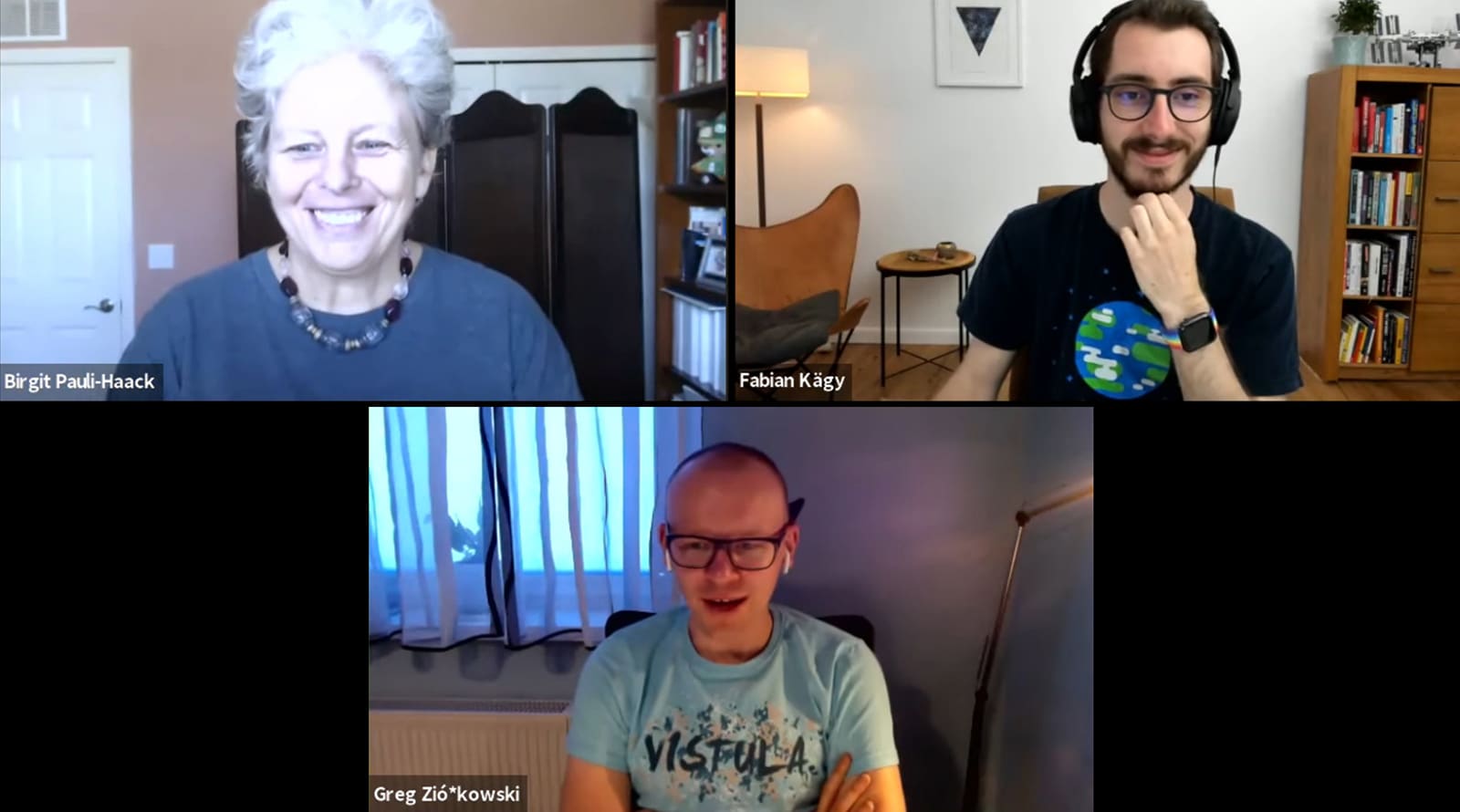
Fabian Kaegy on Gutenberg Times Live Live

Yesterday, I was a guest on Gutenberg Times Live, discussing the inner workings of the Create Block scaffolding tool and the creation of new templates. The “WordPress/create-block” tool is a Command Line Application that facilitates the building and registering of new block plugins to help developers extend the capabilities of the WordPress block editor.

The discussion revolved around my pull request, Create block: Add support for external templates hosted on npm. I demonstrated how this proposed solution makes it easier to create new block templates.

You can watch the video on the Gutenberg Times YouTube Channel.